Passport and visa photo tool
Get your passport & visa photo right, instantly
Upload a photo, pick international passport or visa, and download one that's correctly sized, correctly backgrounded, and ready to submit.
Preparing your photo...
- Detecting face
- Changing background
- Cropping photo
- Resizing file
Photo guidance
Get it right the first time
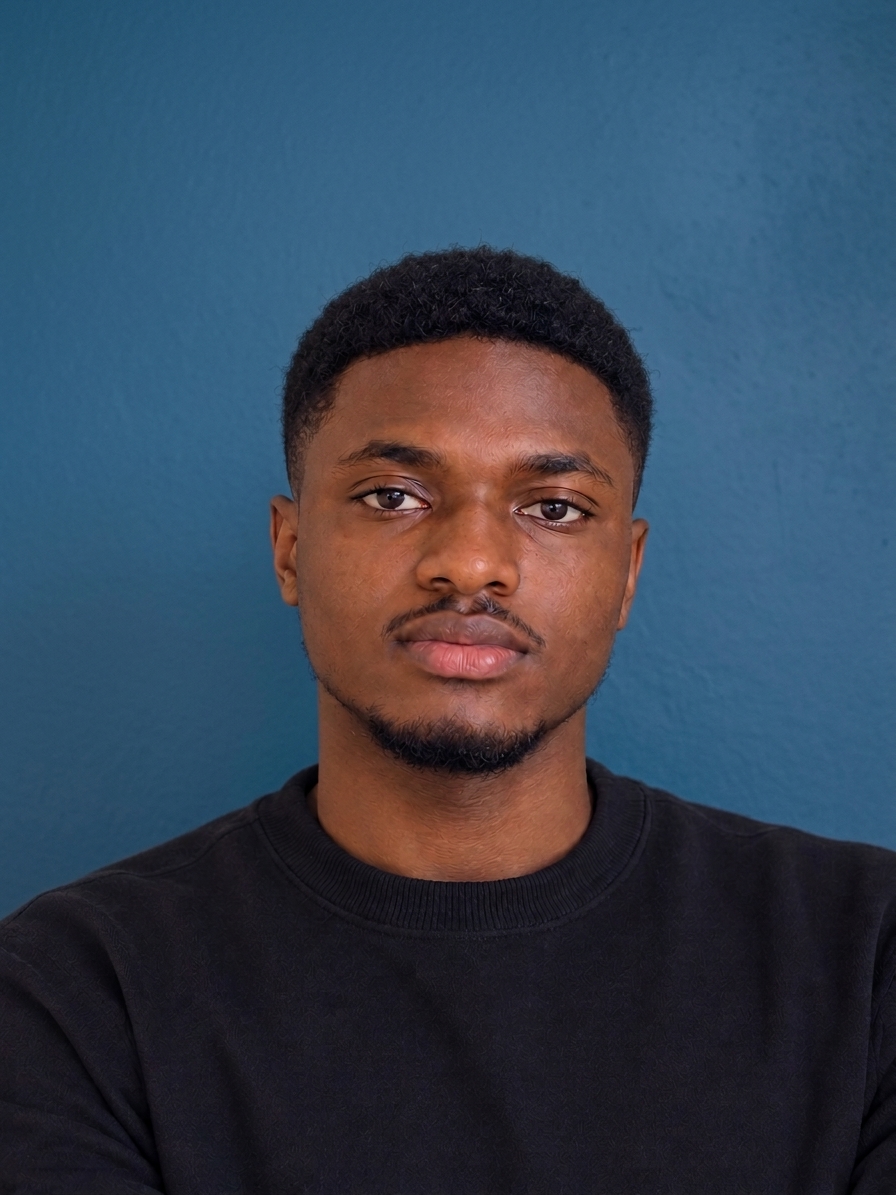
Before
After
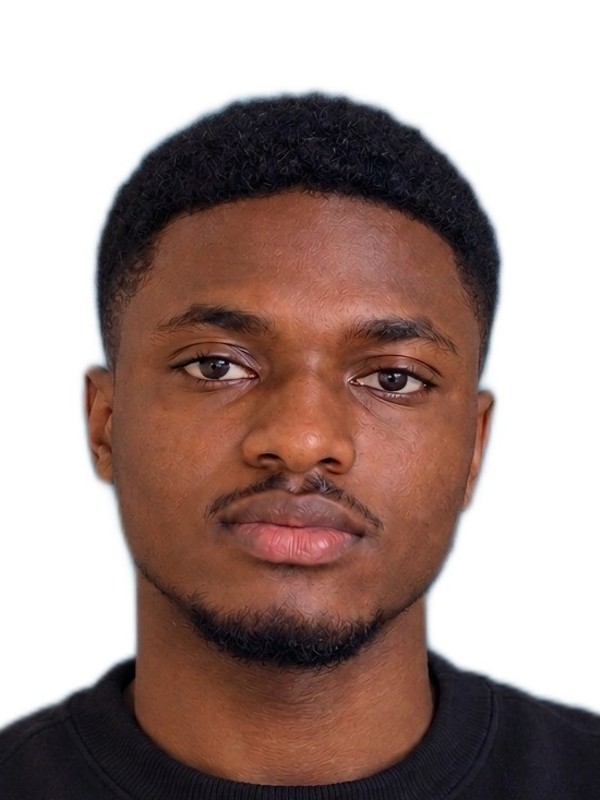
- Stand in front of a plain wall or blank background; busy backgrounds make it harder to get a clean cutout.
- For a white background passport photo, avoid putting on a white shirt.
- Face the camera directly with your head straight and both eyes open. Neutral expression, no smiling, for passport and visa photos.
- Use even, front-facing light. Avoid strong shadows on one side of your face or overhead light that shadows your eyes.
- Take the photo close enough that your head and shoulders fill most of the frame.
- Avoid hats, headphones, or anything covering your hair or ears, unless required for religious or medical reasons.